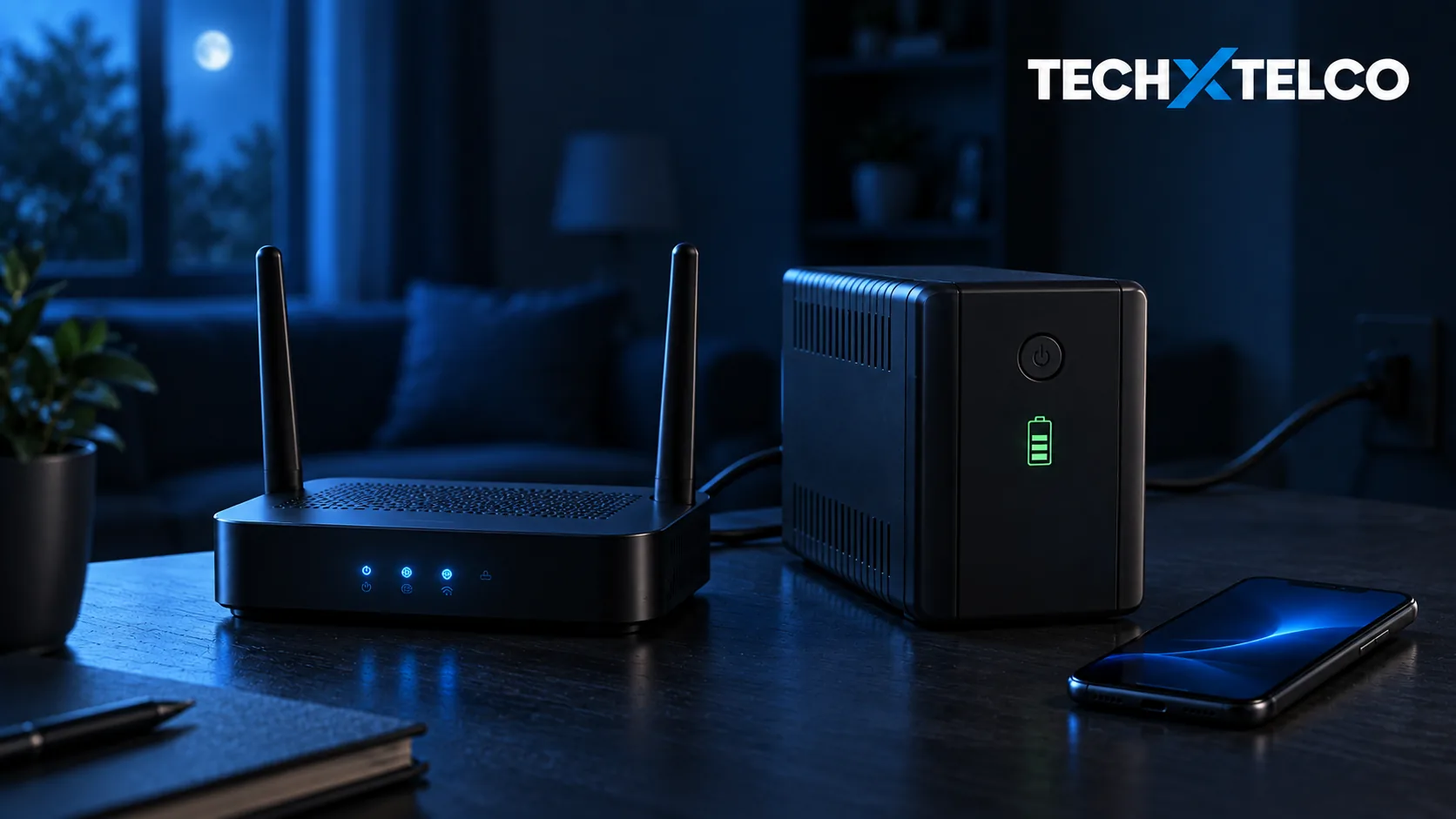

You do not want the first test of your backup internet to happen in the dark, with a nearly flat phone and a work call about to start. Before buying another box, work out what would actually lose power in your setup.
What you need to know
Ordinary mains-powered networking equipment stops working when its power fails. A suitable battery can keep equipment running, but it cannot restore a failed network outside your home. A modem’s mobile-backup feature also needs power and a usable mobile service.
1. Follow the connection, not just the Wi-Fi light
NBN says each mains-powered item involved in the connection needs backup power to operate during an outage. With FTTP, that includes the connection box as well as the router. Keeping one powered does not automatically keep the other alive.
Walk through your setup while everything is working. Note the router, any separate NBN connection box, and the equipment used by the device you need online. If the study uses a powered Wi-Fi mesh unit or network switch, include that in your record. Photograph the labels and power connections so you can discuss the exact models with your provider.
Our practical suggestion: label the relevant power adapters. “Internet” on one plug is not much help if three different boxes need electricity. This is an equipment inventory, not an instruction to open cases or alter wiring.
2. Separate a household blackout from a network outage
NBN warns that alternative power at home will not restore a service if the relevant FTTN, FTTB, FTTC or HFC network has also lost power. Fixed Wireless also depends on the tower and fibre network. Sky Muster can usually reconnect after premises power is restored, but ground-station power problems can still delay service.
This is why a glowing router is not a successful backup test. Check that you can actually reach an internet service, rather than just connect to your home Wi-Fi. A successful check today also cannot guarantee the network will survive a wider emergency.
3. Check what “mobile backup” means on your plan
Telstra says eligible Smart Modem services can switch to mobile backup when the primary connection fails, subject to plan, location and connection type. Mobile coverage is required. Its support page also warns that the modem may not work during a power outage.
Ask your provider two separate questions: “Can this service switch to mobile?” and “What powers my modem when the electricity goes off?” Getting a yes to the first does not answer the second.
A phone hotspot is another option to investigate in advance. Our suggested check is to connect your laptop, open the services you actually need and confirm your mobile allowance and tethering conditions. Then disconnect it. Do not leave a large laptop update or cloud backup running simply because the test worked.
4. Match the battery to the equipment
NBN says it stopped offering its Power Supply Unit with battery backup in June 2024. Providers may be able to arrange alternatives. Existing NBN battery units can supply the connection box for up to approximately five hours; that is not a guarantee that the router or every connected device has power.
Telstra’s support page for its Smart Modem UPS lists Gen 1, Gen 2 and Gen 3 compatibility and says it can power a compatible modem for up to four hours. Do not assume that statement includes Smart Modem 4 or a different UPS. Confirm the exact model combination before ordering.
Take your equipment list to the provider or battery supplier and ask which devices the proposed backup will power together, and what runtime they expect for that load. Ask about maintenance and replacement too. Keep the written answer with the equipment details so someone else in the household can find it.
5. Include the home phone and any essential alarm
Telstra notes that cordless phones need electricity. A charged handset does not settle whether its base or the equipment carrying the call will work. Keep a charged mobile available as an alternative, while recognising that mobile coverage is also a dependency.
For a medical alarm, monitored fire alarm or lift emergency phone, NBN directs users to the equipment provider to confirm operation during a blackout. Do not assume that a working web browser proves an alarm can contact its monitoring service.
6. Make a small, usable backup plan
Write down who you would contact for an electricity fault, an internet fault and an equipment fault. Save those details somewhere you can reach without your home connection. Keep the phone’s charging cable with the power bank rather than in a drawer nobody else can find.
Test only according to the manufacturer’s instructions, at a convenient time, after telling anyone who relies on the service. Avoid interrupting medical or monitored equipment for an informal test; arrange that check with its provider. Never call Triple Zero to test a connection.
Record what worked, which connection it used and what was not tested. A useful note is “laptop reached work email through the phone hotspot”; “backup works” is too vague to help when circumstances change. These are preparation suggestions, not results from equipment we have tested.
Power is on but internet is still down? Follow our connection troubleshooting guide
Sources and further reading
NBN: what happens in a power blackoutTechnology-specific limitations and powered deviceswww.nbnco.com.au
 Telstra: NBN service during a power outageTelephone power and alternative contact methodwww.telstra.com.au
- Telstra: mobile backupEligibility, coverage and power-outage limitationwww.telstra.com.au
- Telstra: uninterruptible power supplyCompatible Smart Modem generations, runtime estimate and manufacturer test instructionswww.telstra.com.au
Michel Elijah covers technology, streaming and online security for Tech X Telco. He writes practical how-to guides on everything from email troubleshooting to spotting the latest scams doing the rounds in Australia, with a focus on clear steps anyone can follow.
Spotted something wrong? Corrections are recorded in the open. Report a correction