
Buried in Apple’s iPhone 18 Pro release, dated 9 September 2026, is a feature aimed at a problem most of us now have: working out whether a photo is real. Apple Reference Image gives a photo a signed, unalterable twin that shows what the camera sensor actually saw. Here is what Apple says it does, what it does not do, and where it works.
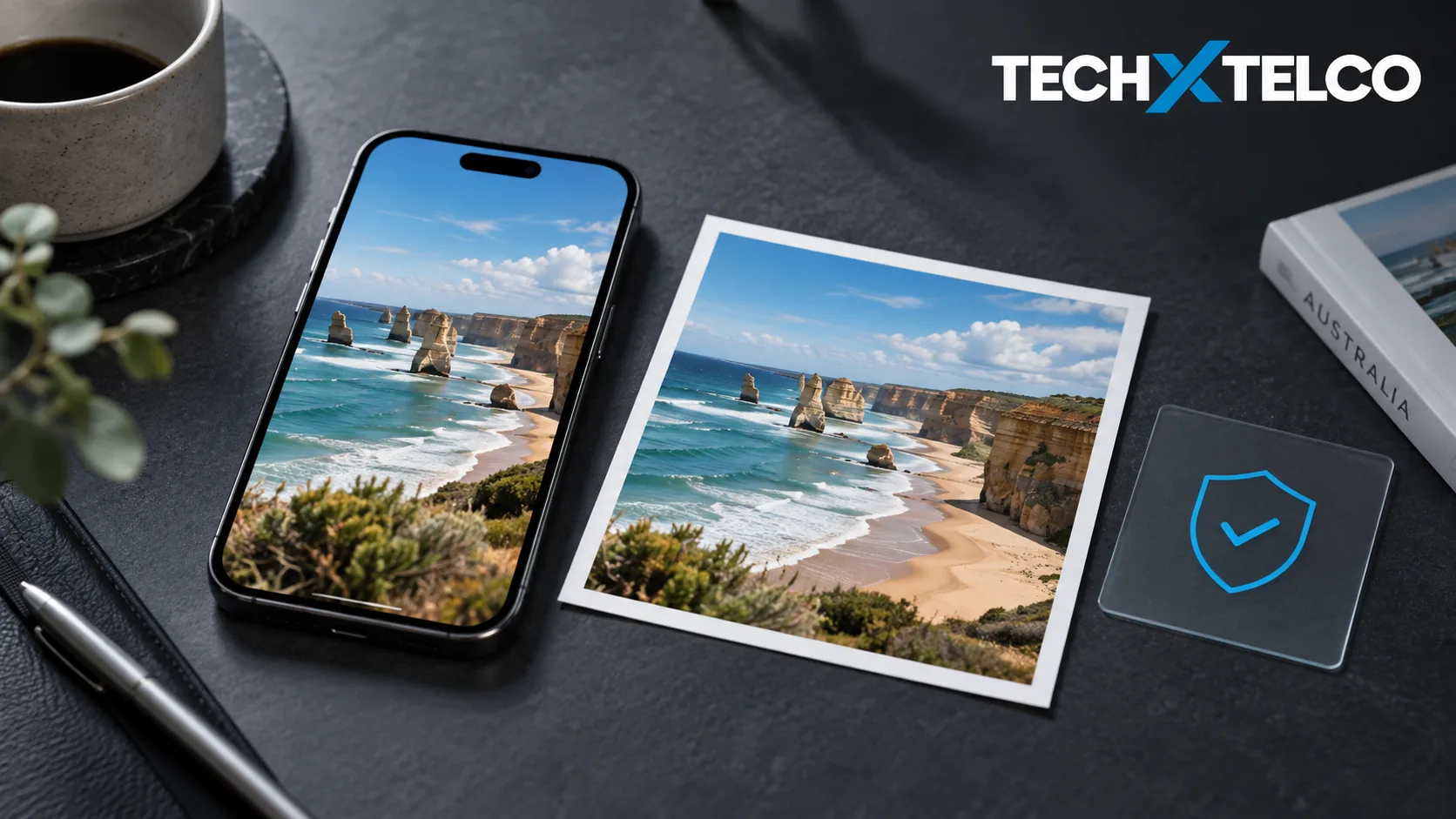
On iPhone 18 Pro and Pro Max, a photo taken in Reference mode is stored with a signed reference version you can compare against the edited one in Photos. Apple says the reference records what the sensor captured. It does not establish whether a scene was staged or a caption is truthful, and it does not detect AI images from other sources.
Apple lists no Australian restriction. It is not available at launch in China, and EU users can view but not capture reference images initially.
How It Works
Apple says the Main camera sensor in the iPhone 18 Pro models can sign every pixel it sees. When you shoot in Reference mode, the camera captures signed sensor data that Private Cloud Compute develops into an unalterable reference image. That reference sits in the Photos app alongside the main image, like a digital negative, so you can compare the two and see whether any edits were made.
Source: Apple (AU): Apple debuts iPhone 18 Pro and iPhone 18 Pro Max, read 10 September 2026.
Take the photo in Reference mode on an iPhone 18 Pro or Pro Max.
The sensor signs the data as it captures.
Let the reference image develop.
Apple says Private Cloud Compute produces the unalterable reference.
Open the photo in Photos and view the reference beside it.
Differences between the two show what was edited.
Those steps are drawn from Apple’s description, not from use. The phones are not on sale until 18 September and we have not tried the feature.
What It Does Not Do
A reference image vouches for a photo taken on one of these two phones in this mode. It says nothing about a picture someone sends you from another device, and it is not an AI detector. For that, Apple points to image metadata and to upcoming support for the SynthID standard, which it says can help identify images generated or edited with AI. SynthID support arrives in a software update later this year, and the release gives no exact date.
Third-party apps can build on the feature through APIs in iOS, iPadOS and macOS 27, so whether a social app or a newsroom tool shows the reference image is up to that app.
Source: Apple (AU): Apple debuts iPhone 18 Pro and iPhone 18 Pro Max, read 10 September 2026.
Where It Works
Apple’s footnotes say Reference Image is not available at launch in China for regulatory reasons, and that EU users can develop and view reference images but not capture them initially. Australia is not mentioned in either restriction. iPhone 18 Pro starts at A$2,099 and iPhone 18 Pro Max at A$2,299, with pre-orders from Saturday 12 September at 10 pm AEST and availability on Friday 18 September.
Source: Apple (AU): Apple debuts iPhone 18 Pro and iPhone 18 Pro Max, read 10 September 2026.
Sources and How This Was Checked
Every statement about the feature comes from Apple’s Australian newsroom release for iPhone 18 Pro dated 9 September 2026, read on 10 September 2026. Nothing was tested. How well the reference image holds up as evidence in practice is not something the release, or this article, can tell you.
Related on Tech X Telco: iPhone 18 Pro and iPhone Duo announced: Australian prices and pre-order dates and Claude’s text watermark: what it can and cannot tell you.
Michel Elijah covers technology, streaming and online security for Tech X Telco. He writes practical how-to guides on everything from email troubleshooting to spotting the latest scams doing the rounds in Australia, with a focus on clear steps anyone can follow.
Spotted something wrong? Corrections are recorded in the open. Report a correction