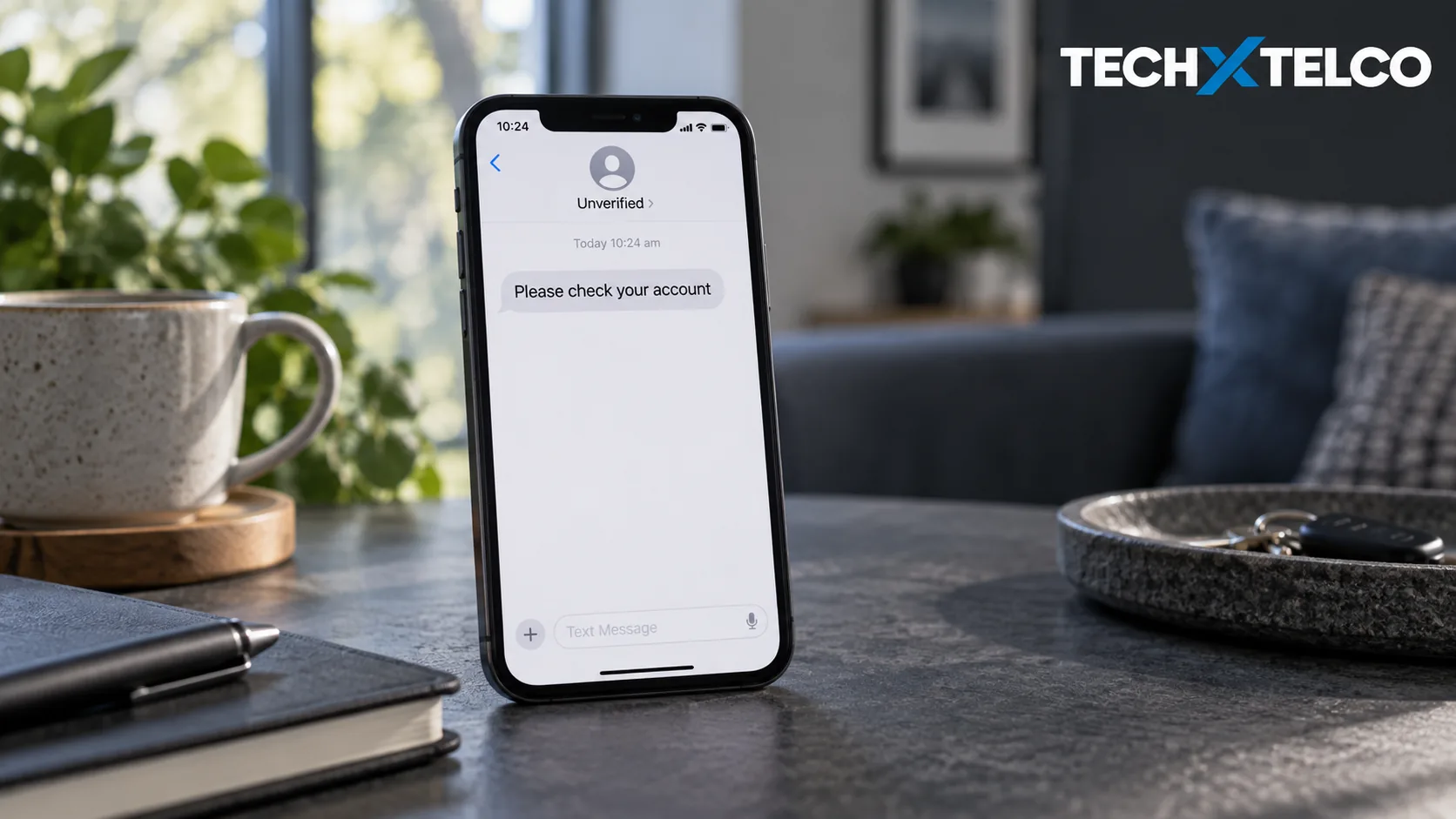

Since 1 July 2026, text messages sent under a business or organisation name that has not been registered appear on Australian phones as “Unverified”, grouped in one thread with other unverified messages. The change comes from the SMS Sender ID Register rules. The label calls for caution, but it does not by itself prove a message is a scam.
“Unverified” means the branded sender name on the message was not on the register. The ACMA says such a message may be a scam, or may come from a real business that has not registered yet. A registered name appears separately, as before. Messages from ordinary phone numbers, and messages in apps like WhatsApp, iMessage and Messenger, are outside the rule.
If in doubt: do not reply, do not click links, do not give personal details or money. Find the organisation’s contact details yourself, from a bill or its official website, and check that way.
What the Label Tells You
Three Things You Might See on a Text
Unverified
The branded sender ID was not registered.
- Could be a scam or an unregistered genuine organisation
- Investigate through a contact route you already trust
A registered business name
The sender ID is on the register.
- One extra identity signal
- Not a reason to ignore suspicious content in the message itself
A phone number
The message did not use a branded sender ID.
- Outside this labelling rule
- Treat it on its merits, as before
The rules apply to SMS and MMS only. The ACMA says they do not extend to messaging apps such as WhatsApp, iMessage and Facebook Messenger, and that scam messages can still arrive there.
Source: ACMA: Some text messages to look different from 1 July, read 10 September 2026.
Source: ACMA: Getting text messages from businesses and organisations, read 10 September 2026.
What to Do with a Suspicious Message
The ACMA’s advice is short: if you are in doubt, do not reply, do not click on links, do not give personal details and do not give money. Find the organisation’s contact details independently, for example on an existing bill or its official website, and report suspicious texts to Scamwatch.
Our suggested habit is to separate the message’s claim from its link. You can find out whether a bill, delivery or appointment needs attention without using the contact route the message supplied.
Helping Someone Else Understand the Change
Avoid teaching “Unverified means delete everything” as a universal rule. It can hide legitimate reminders alongside the scams. Instead, agree on a simple habit: pause, then verify through a contact method you already trust. If you are helping a family member, show them where their provider, bank or council lists its official details.
If You’ve Shared Details or Lost Money
Source: ACMA: Getting text messages from businesses and organisations, read 10 September 2026.
Sources and How This Was Checked
The rule, its start date and the grouping behaviour come from the ACMA’s announcement dated June 2026. The interpretation of the label, the messaging-app exclusion and the consumer advice come from the ACMA’s guidance page. Both were read on 10 September 2026. This article explains the rule; it does not authenticate any individual message, and no message was tested.
Related on Tech X Telco: Telstra pays $277,200 after mobile-fraud protection failures, on what happens when SIM-swap protections fail.
Michel Elijah covers technology, streaming and online security for Tech X Telco. He writes practical how-to guides on everything from email troubleshooting to spotting the latest scams doing the rounds in Australia, with a focus on clear steps anyone can follow.
Spotted something wrong? Corrections are recorded in the open. Report a correction