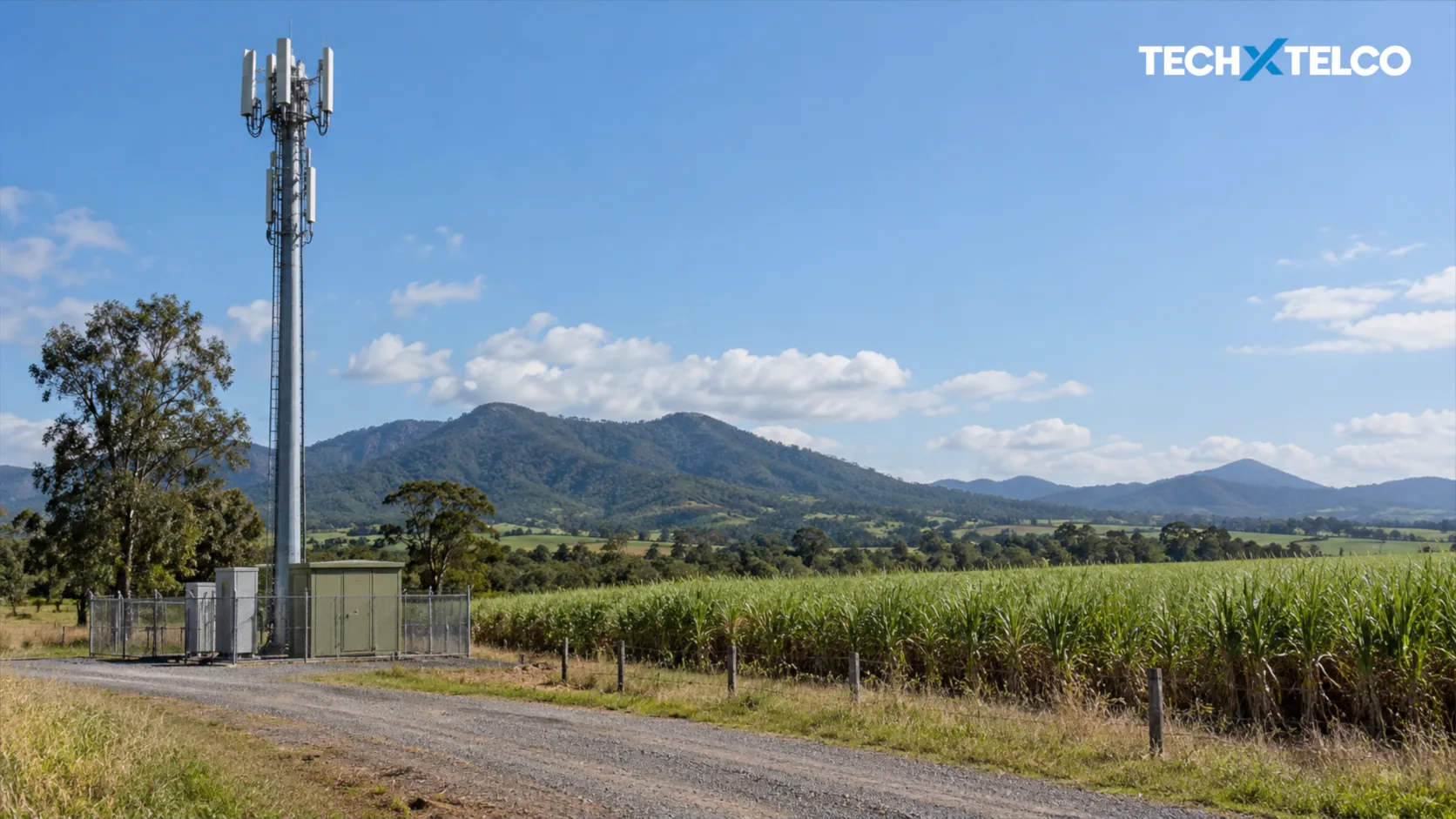

A new Telstra mobile base station is improving connectivity in Upper Stone, west of Ingham in Queensland, according to a government announcement on 9 October.
What you need to know
The tower was delivered through the Mobile Black Spot Program with government and Telstra funding. The announcement concerns a specific regional project. Before choosing a plan or relying on reception for a trip, check the provider’s coverage information for the places you will use it.
Source: Australian Government: Upper Stone mobile connectivity
Where is the new project?
Upper Stone is a sugar-cane farming community bordering Girringun National Park. The ministerial announcement points to benefits for residents, farmers and visitors exploring nearby walking and camping areas.
It does not publish an exact reception boundary, a tower-specific construction cost or the speeds an individual user should expect. The program-wide funding totals in the announcement should not be treated as the price of this base station.
Source: Australian Government: Upper Stone mobile connectivity
Make an address-specific check
Our practical recommendation is to check the locations that matter to you rather than relying on a general description of improved coverage. That might mean a home, a shed, a work area or a planned stop during a trip.
If you use a provider that sells access to another company’s network, ask that provider about your particular service. A Telstra tower announcement alone does not establish the access arrangements for every reseller or every plan.
Look up your location in the coverage information for the provider and service you use.
Check what the map says about the type of coverage shown and any stated limitations.
If your current phone still has a problem, note where and when it happens before contacting the provider.
For a trip, keep essential route and contact information available without depending on a continuous mobile connection.
A local improvement, with a local test
The useful measure for a household or business is whether service works at the places where it is needed. A project announcement cannot substitute for that check. If you are considering a change of provider, ask about the relevant service terms and options for testing reception before committing.
Our report on the latest mobile infrastructure figures provides the wider national context.
The new station also sits at a different layer of the network from an intercity fibre route. One concerns the local connection to a mobile device; the other carries data between locations.
Our Perth–Sydney Aura report explains that separate backbone investment.
Michel Elijah covers technology, streaming and online security for Tech X Telco. He writes practical how-to guides on everything from email troubleshooting to spotting the latest scams doing the rounds in Australia, with a focus on clear steps anyone can follow.
Spotted something wrong? Corrections are recorded in the open. Report a correction